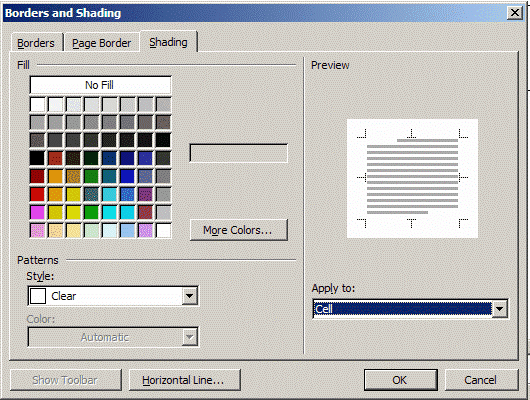
|
PCC Website
Mr. Moegelin
Lesson 1,
Page 1
Assuming that we have usernames and passwords we will log
onto the computers.
Designing web pages has a lot to do with
tables and tables within tables.
Using Microsoft Word create a document a
with multicolored table like the one on the last page.

1.� Go to �Table�
(#1) in
the tools menu at the top of your screen.
2.� Choose �Insert�,
then select �Table.�
3.� In the �Insert Table box� select 1
column, 1 row, Fixed column width and Auto.� Then click OK.
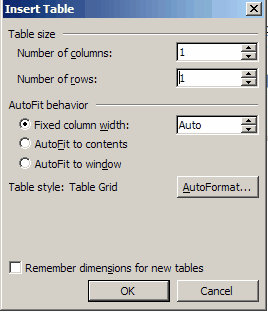
This is what you should get.
4.� �Right click�
inside the table and select �Table Properties.��
Choose "Center Alignment" and no "Text Wrapping."� Then click OK.
Let me check it when you have gone this far.� (IP = Internet protocol)
5.�
Now create a table with 3 columns and four rows like the one
below.
|